
Grand Theft Auto VI is one of the most anticipated games, and players are already wondering where they will be able to play it, what FPS they can expect, and when the best time will be to start their GTA 6 journey.
With Rockstar Games targeting a huge open-world experience, performance will be an important part of the gaming experience. While console players will have a more controlled hardware environment, PC gamers will eventually need to optimize their systems and graphics settings for stable FPS.
Where Can You Play GTA 6?
GTA 6 is officially announced for:
- PlayStation 5
- Xbox Series X|S
The game is designed for current-generation consoles, allowing Rockstar to focus on detailed environments, advanced lighting, large crowds, vehicles, and an expansive open world.
What About PC?
A PC version has not been officially announced by Rockstar at the time of writing. PC players should therefore avoid relying on unofficial system requirements or FPS claims until Rockstar provides official information.
If GTA 6 eventually arrives on PC, performance will depend heavily on your:
CPU + GPU + RAM + VRAM + SSD + graphics settings + resolution
What FPS Can You Expect in GTA 6?
Rockstar has not officially confirmed the final FPS modes for GTA 6, so exact performance numbers should not be treated as guaranteed.
For a demanding open-world game, players may expect different performance targets depending on the platform and graphics mode.
Possible Performance Targets
30 FPS:A graphics-focused mode could prioritize higher visual quality, lighting, reflections, and world detail.
60 FPS:A performance-focused mode could target smoother gameplay by reducing certain graphical effects.
120 FPS:This would require a compatible display and an appropriate performance mode, but it should not be assumed until Rockstar confirms it.
The final FPS options will depend on Rockstar's optimization and the capabilities of the PS5 and Xbox Series X|S.
Why Does FPS Matter in GTA 6?
FPS, or frames per second, determines how smoothly the game appears on your screen.
A higher and stable FPS can make:
- Driving feel smoother
- Gunfights feel more responsive
- Camera movement feel fluid
- Fast action easier to follow
- Character movement feel more natural
However, stable FPS is often more important than simply chasing the highest number.
A consistent 60 FPS experience can feel considerably better than constantly moving between 40 and 70 FPS.
GTA 6 FPS: Console vs PC
PS5 & Xbox Series X|S
Console players benefit from fixed hardware. Rockstar can optimize GTA 6 specifically for these systems, which should make performance tuning easier.
Players will primarily choose between available graphical or performance modes provided by Rockstar.
PC
PC players normally receive much greater control over graphics settings.
If a PC version is released, players could potentially adjust:
- Resolution
- Texture Quality
- Shadow Quality
- Reflection Quality
- Population Density
- Draw Distance
- Volumetric Effects
- Anti-Aliasing
- Upscaling
- Ray Tracing
This would allow players to prioritize either visual quality or FPS.
Best GTA 6 Settings for Maximum FPS on PC
If and when GTA 6 launches on PC, players looking for maximum FPS should start with a Custom graphics profile instead of automatically selecting Ultra.
Resolution
Use 1080p if maximum FPS is your priority.
For more visual detail, 1440p can provide a good balance between image quality and performance.
Upscaling
If supported, technologies such as NVIDIA DLSS or AMD FSR could help improve performance by rendering internally at a lower resolution and reconstructing the image.
Shadows
Keep Shadow Quality around Medium or High rather than Ultra if FPS drops.
Reflections
Lower Reflection Quality if you experience performance problems, especially in areas containing water, glass, vehicles, and dense city environments.
Population Density
Open-world games can place significant demand on the CPU.
Reducing population density could improve performance in busy city locations.
Grass & Foliage
Keep these around Medium if you're trying to maximize FPS.
Dense vegetation can increase rendering workload.
Draw Distance
Reducing Draw Distance or Level of Detail can improve performance, particularly when looking across large sections of the city.
Motion Blur
Disable Motion Blur if you prefer a sharper image during fast driving and combat.
What Hardware Could Be Important for GTA 6 PC?
Until Rockstar publishes official PC requirements, nobody can accurately guarantee the hardware needed for specific FPS targets.
However, players planning a future GTA 6 PC build should pay attention to:
GPU
A modern GPU with sufficient VRAM will be important for high-resolution textures and advanced graphical effects.
CPU
A strong multi-core CPU could be particularly important because GTA's open-world systems can involve traffic, pedestrians, physics, AI, and world simulation.
RAM
More RAM can help when running a demanding open-world game alongside Windows and background applications.
SSD
An SSD should be strongly preferred for a large modern open-world game because fast storage can help with loading and asset streaming.
When Should You Play GTA 6?
The official release date should always be checked against Rockstar's latest announcement before publishing or updating this article.
For gamers who plan to play immediately, the best time is launch day, provided the game has downloaded and your console or PC is ready.
However, there are advantages to waiting.
Play at Launch If:
You want to experience the game alongside the global gaming community, avoid spoilers, create launch-day content, or stream the game from day one.
Wait a Few Days If:
You prefer to see early player feedback, performance reports, patches, and potential technical issues before starting.
For content creators, launch day can be particularly valuable because searches, YouTube interest, livestream viewers, and social-media discussions can rise sharply around a major game release.
Best Time to Play GTA 6 for Content Creators
If you're planning GTA 6 gameplay for YouTube, the launch period could be especially important.
Consider preparing:
Launch Gameplay → Mission Highlights → Character Videos → Graphics/FPS Guide → Tips & Tricks → Funny Moments → Story Analysis → Shorts
Uploading quickly after launch can help capture players searching for new gameplay and mission-related content.
How to Get Stable FPS
Once the PC version is available, players should avoid immediately setting everything to Ultra.
Start with:
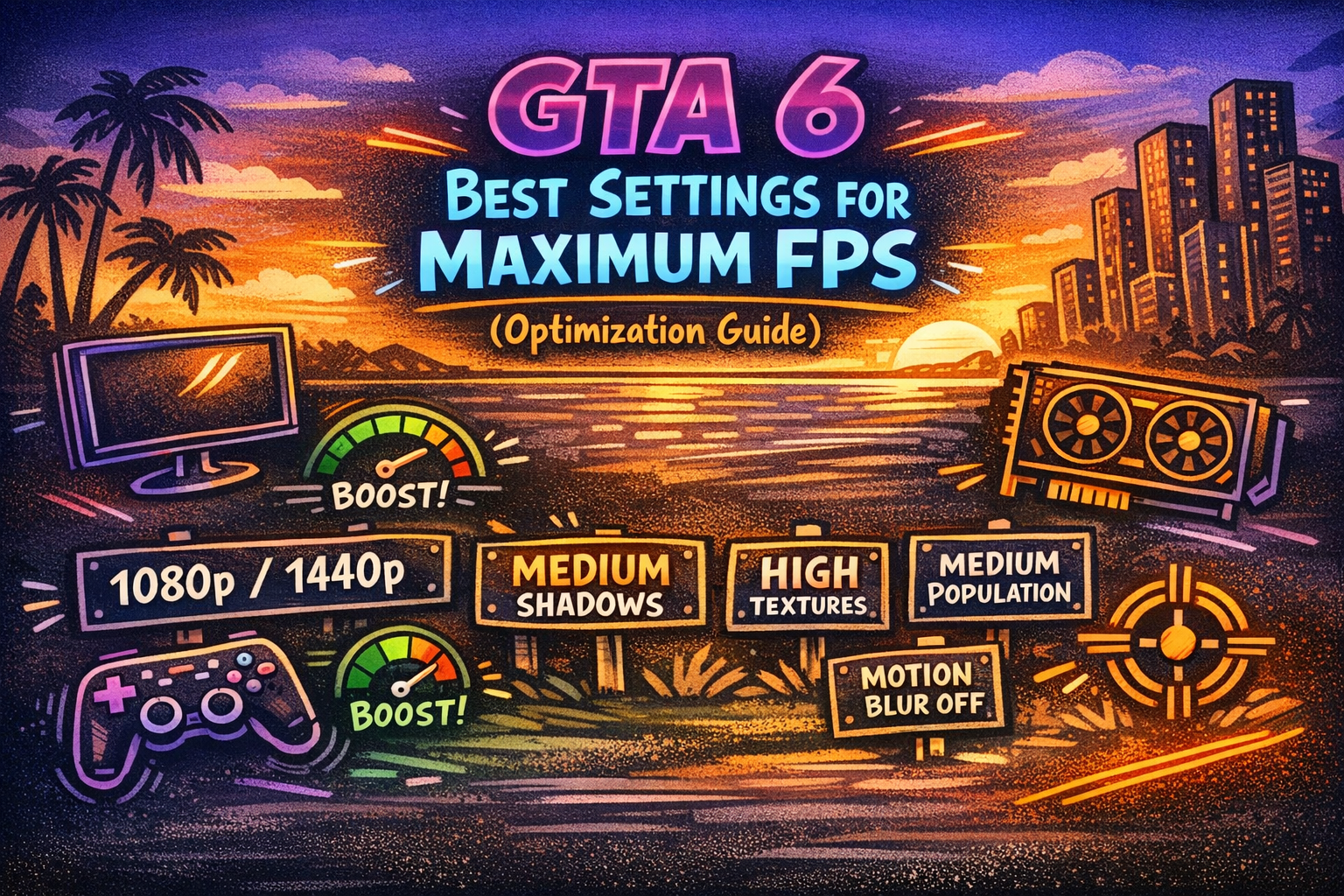
1080p/1440p → High Textures → Medium Shadows → Medium Population → Reduced Reflections → Lower Volumetrics → DLSS/FSR → Motion Blur Off
Then increase individual settings one at a time until you find the right balance.
Why GTA 6 Optimization Will Matter
GTA 6 is expected to feature a highly detailed world filled with vehicles, pedestrians, buildings, environmental effects, physics, and dynamic activities.
That means performance won't depend only on GPU power.
CPU performance, GPU performance, VRAM, RAM, storage speed, resolution and game optimization can all influence the final experience.
The goal should therefore be stable FPS with good image quality, rather than simply choosing the highest graphics preset.
Final Verdict
GTA 6 is officially coming to PS5 and Xbox Series X|S, while a PC version and its requirements should not be treated as confirmed until Rockstar makes an official announcement.
For the smoothest experience, console players should use the game's recommended performance mode, while future PC players will likely have much greater control over resolution, textures, shadows, population, reflections and upscaling.
Whether you play immediately at launch or wait for early patches, GTA 6 is expected to become one of the biggest gaming releases of its generation.